Physical Address
304 North Cardinal St.
Dorchester Center, MA 02124
Physical Address
304 North Cardinal St.
Dorchester Center, MA 02124

Want your Instagram profile actually to stop people mid-scroll? It starts with how your text looks. Plain, default text blends into the background. Stylish, customised fonts make your bio, captions, and username feel intentional — like you actually put thought into your presence. This Instagram font generator does all the heavy lifting for you, instantly.
Type your text below and instantly get 20+ stylish Unicode fonts for your Instagram bio, captions, username & comments. One tap to copy!
Start typing above to see your stylish fonts instantly!
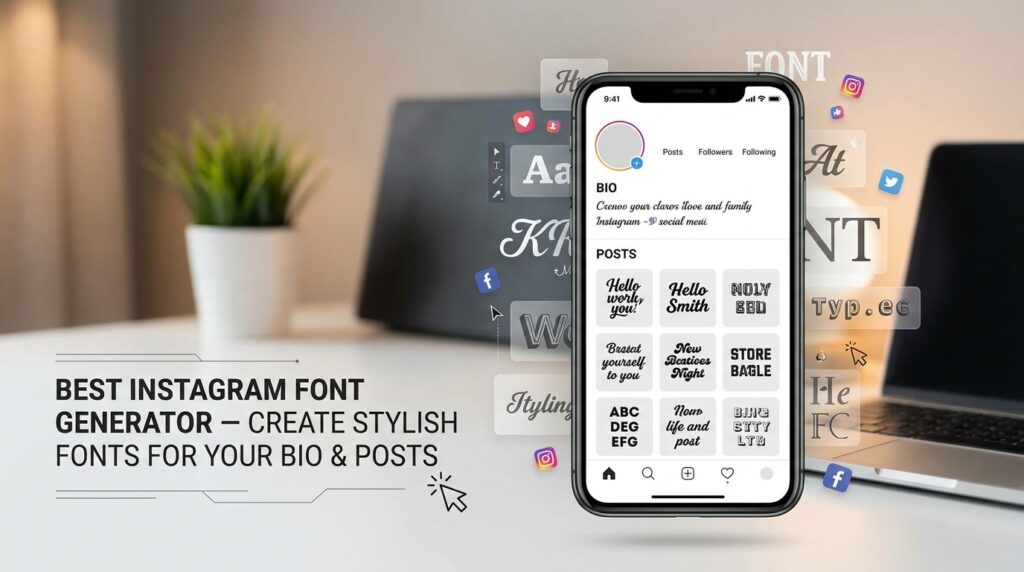
You don’t need design skills. You don’t need an app. Just type your text, and within seconds, you’ll see it transformed into dozens of creative styles — from bold and cursive to aesthetic small caps and decorative lettering. It works right in your browser, completely free.
Whether you’re refreshing your bio, writing a punchy caption, or giving your username a glow-up, this tool covers it all. The fonts are built using Unicode characters, which means they paste perfectly into Instagram without breaking or disappearing.
Here’s the thing — this isn’t some complicated process. You type in your text, the tool generates every available style simultaneously, and you pick the one you like. That’s genuinely it. No settings to configure, no learning curve.
For example, type your name, and you’ll instantly see it in script, bold italic, monospace, bubble letters, and more — all lined up and ready to copy. It’s the kind of tool you use once and then bookmark forever.
Some styles consistently perform better for bios because they’re clean, readable, and visually distinct. Here are the ones people reach for most:
Pick based on your vibe, not just what looks cool. The right style reinforces your brand without you saying a word.
Simply put, it’s an online tool that takes your regular text and converts it into fancy, stylish alternatives using Unicode character sets. Instagram doesn’t natively support custom fonts — but Unicode does the trick. These aren’t actual font files. They’re special characters that look like different typefaces, and Instagram renders them just fine.
So when you see someone’s bio written in cursive or bold decorative letters, they didn’t use some secret app or hack. They used a font generator, copied the output, and pasted it straight in. That’s the whole trick. It works across mobile and desktop, and the styled text stays intact wherever you paste it — bio, captions, comments, story highlights, you name it.
It’s a genuinely simple process. But here’s a clear breakdown so you know exactly what to expect.
Click into the input box and type whatever you want to style — your name, a quote, your Instagram bio, a caption, or even just a single word. Short or long, it doesn’t matter. The tool handles everything in real time, so you’ll see results as you type.
Once your text is in, scroll through the generated styles below. You’ll find options like italic, bold italic, script, fraktur, monospace, double struck, small caps, upside down, and more. Each one previews your actual text in that style — so there’s no guesswork involved.
Take a moment to review how each style reads. Some fonts may look great but are harder to quickly read — important for bios and captions. Others are clearer and sharper. Consider where you’ll be pasting it and who the audience is. This context guides your choice.
Click the copy button given next to the style you want. Then head over to Instagram and paste it wherever you need — bio, username field, caption box, comment section, wherever. No reformatting needed. It lands exactly as it looked in the preview.
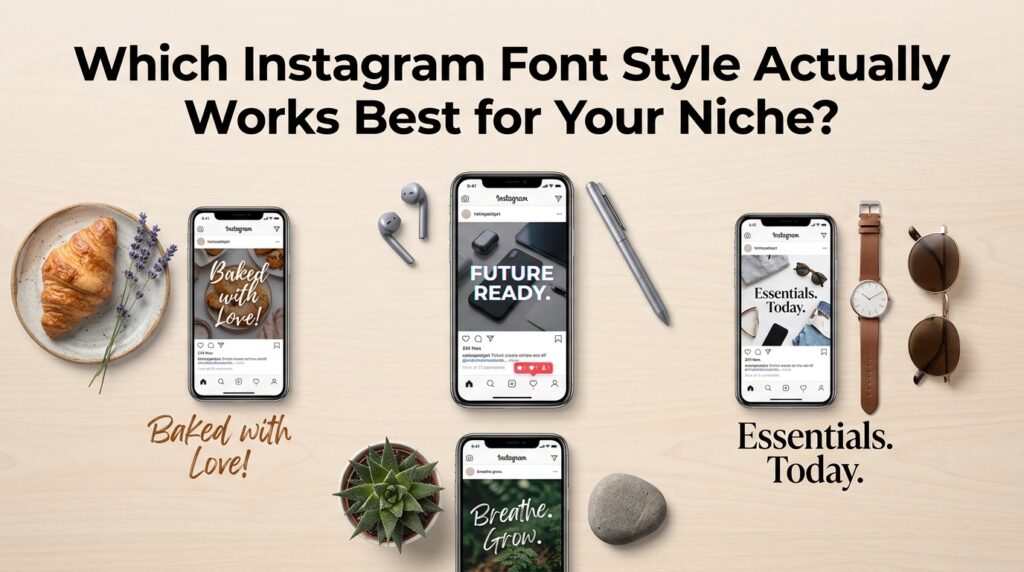
This is the question most people skip — and it’s honestly the most useful one. Not every font style fits every account. A calligraphy script looks gorgeous on a wedding photography page, but feels out of place on a fitness brand. The font you choose sends a signal before anyone reads a single word.
Here’s a quick way to think about it: match the energy of your content. Minimalist accounts do well with small caps or sans serif styles. Bold, high-energy creators lean into thick sans bold or circled text. Personal brands often go with script or italic for warmth and personality. Experiment — but experiment with intention.
This might sound like a stretch, but it’s not. Your bio is the first thing a new visitor reads. If it looks visually polished and well-structured, people naturally spend more time on it — and that increases the chance they follow. Social media typography is a subtle but real part of personal branding on Instagram.
Beyond the bio, stylish captions and comments can make your content feel more premium. It’s not about gimmicks. It’s about showing that you care about how your profile looks. That attention to detail signals credibility, and people respond to that — whether they consciously notice the fonts or not.
Do these fonts actually work on Instagram? Yes. Every style this tool generates uses Unicode text symbols, which Instagram fully supports. They display correctly on both iOS and Android, and they don’t get stripped out when you paste them.
Can I use these in my username and bio? Absolutely. Instagram’s bio and username fields accept Unicode characters, so styled text pastes in without any issues. Just keep the character limit in mind — Instagram caps bios at 150 characters.
Will the fonts look the same on every device? Mostly, yes. Because these are Unicode characters and not actual font files, cross-platform font compatibility is solid. Very occasionally, an older device might render a character slightly differently, but this is rare with commonly used styles.
Is this tool free to use? Completely free. No account needed, no hidden subscription, no download required. Open the page, type your text, copy what you like, and you’re done.
Can I use these fonts in captions and comments too? Yes — not just your bio. You can paste styled text into captions, comments, story text boxes, reel descriptions, and highlight titles. Anywhere on Instagram where you can type, you can use these fonts.
What’s the difference between font styles like Script and Fraktur? Script fonts have a flowing, handwritten look — great for personal and lifestyle content. Fraktur (often called Gothic) has a heavier, more dramatic feel with angular strokes. Both are popular, but they give off very different vibes, so pick the one that best fits your brand personality.
Standing out on Instagram doesn’t require a big budget or design experience. A good Instagram font generator gives your profile an instant edge — without the hassle. Your bio is prime real estate. Make it count.
Whether you’re hunting for the perfect Instagram bio font, trying out a bold font style for your username, or just experimenting with different Instagram fonts to see what clicks, this tool makes it effortless. It’s a proper fonts generator built for real use. Guys especially love using an Instagram font style generator for boy profiles to add attitude and personality.
The best part? It’s a simple font generator copy and paste experience. No learning curve, no downloads. Just pick your favorite ig fonts or Insta fonts style, copy it, and paste it straight into Instagram. Your profile transformation is literally one click away.
Instagram Font Generator Instagram Font Generator Instagram Font Generator Instagram Font Generator Instagram Font Generator Instagram Font Generator Instagram Font Generator Instagram Font Generator Instagram Font Generator Instagram Font Generator


